

Garena Free Fire VPN: Why You Need It for Better Gaming Performance & Low Ping
 Vic Knott
  2022.05.10
A reliable gaming VPN is essential if you want to optimize network connections, reduce lag, and enjoy a smoother multiplayer experience when playing global titles like Free Fire. Whether you are looking to minimize high ping, stabilize your connection against ISP throttling, or connect with global gaming communities, a professional tool like PandaVPN can significantly enhance your overall gaming sessions.
Free Fire (Garena Free Fire) is one of the most popular Battle Royale mobile games worldwide. Developed initially by 111dots Studio and published globally by Singapore-based Garena in 2017, it continues to set impressive industry milestones:
-
Massive Global Popularity: Free Fire was recognized as the #1 downloaded mobile game worldwide in 2019, 2020, 2021, and early 2022.
-
Active Player Base: It broke records with over 80 million daily active users (DAUs) in May 2020 and surpassed 150 million DAUs by August 2021.
-
Strong Market Performance: The game generated $1.1 billion in revenue between January and December 2021.
-
Esports Engagement: It ranked as the 3rd most-watched live-streamed game globally in 2021, accumulating roughly 1.23 billion watch hours across Twitch, YouTube Gaming, and Facebook Gaming.
Despite its massive global success, regional network adjustments, shifting local compliance updates, and connectivity hurdles often affect how international players access specific servers or maintain stable ping rates.

How to Optimize Free Fire Connection & Server Access with a VPN?
Network routing issues can occasionally lead to high latency, unstable packet delivery, or regional connection blocks. To ensure a seamless gaming experience, utilizing a robust virtual private network helps route your traffic through optimized nodes, ensuring stable connectivity.
PandaVPN operates over 3,000 servers across 80 countries and 170+ locations, allowing players to stabilize their connection routes. With dedicated servers in regions like Thailand, Indonesia, Vietnam, the Philippines, Brazil, Taiwan, and Malaysia, you can easily select the optimal node for your gaming needs.
Follow these 3 simple steps to set up your connection:
Step 1. Download & Install PandaVPN
PandaVPN is a cross-platform VPN application. To have it on your iOS or Android devices, you can free download PandaVPN for iOS or download free PandaVPN for Android from the links below and then complete the installation in clicks.
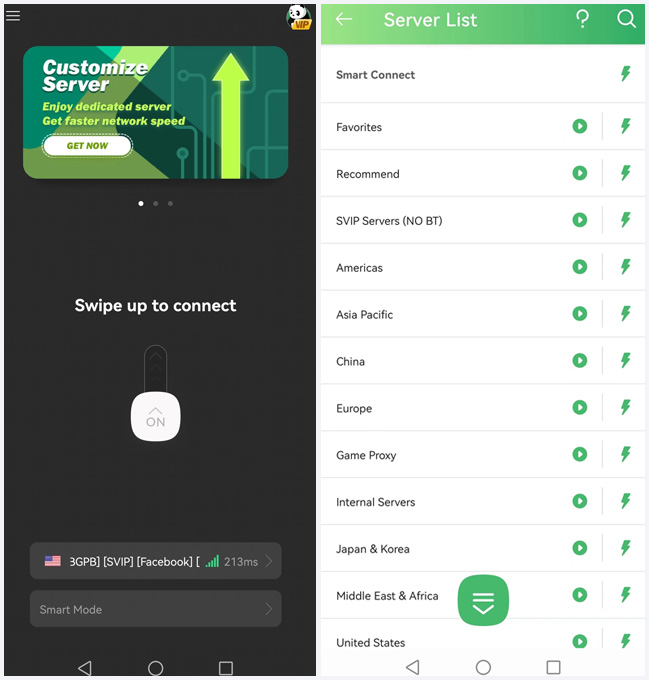
Step 2. Sign in PandaVPN & Connect
New users can explore trial options available on iOS and Android platforms. Simply launch the application, and choose a preferred server location tailored for low-latency gaming.
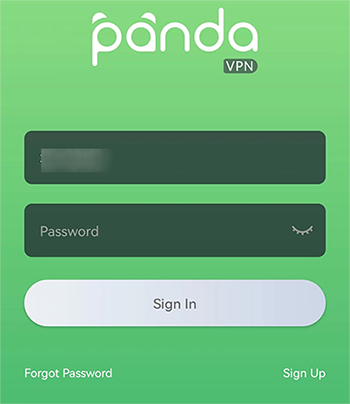
As mentioned above, PandaVPN has worldwide servers, therefore after the sign-in, you just need to pick a server location outside India to make the VPN connection happen and go ahead.
Step 3. Access Store to Get Garena Free Fire
Once connected to an optimized server node, open Free Fire to experience a more stable connection, reduced jitter, and smoother matchmaking.
FAQs on Free Fire Ban in India
Consider many newbies may still have questions on Free Fire ban, four most asked questions and answers are shared below to make those issues more clearly.
 Are Free Fire versions accessible globally?
Yes, core titles like Garena Free Fire and Garena Free Fire Max remain widely available across global app ecosystems, though local network configurations can occasionally impact direct connectivity.
Why do players encounter login or high-ping errors?
Unstable local routing, server congestion, or fluctuations from Internet Service Providers (ISPs) often lead to sudden login timeouts or high latency.
How do I get around the login failure or store download ban in India?
The most recommended way is to leverage an IP switching tool like VPN to mask your real IP and deliver another one to override the IP-based content filtering. Set PandaVPN for example, its huge server network enables you to locate yourself in any other Free-Free-available countries on the web. Consequently, downloading and playing Free Fire from Garena is as easy as a piece of cake.
How does a VPN improve game performance?
A secure VPN encrypts your traffic and optimizes data paths, helping bypass suboptimal network nodes and congestion points to ensure steady transmission speeds.
Core Benefits of Using a Gaming VPN for Free Fire
Beyond connection stabilization, utilizing a quality VPN offers several practical advantages for mobile gamers:
-
Lower Ping and Reduced Latency: Connecting to server nodes physically closer to game hosting regions helps optimize routing paths and reduce in-game lag.
-
Mitigating ISP Bandwidth Throttling: Internet Service Providers sometimes throttle speeds during high-bandwidth activities like gaming. A VPN encrypts your traffic, preventing ISPs from intentionally slowing down your connection speed.
-
Enhanced Privacy and Network Security: Protects your personal IP address from potential DDoS attacks or tracking while gaming on public Wi-Fi networks.
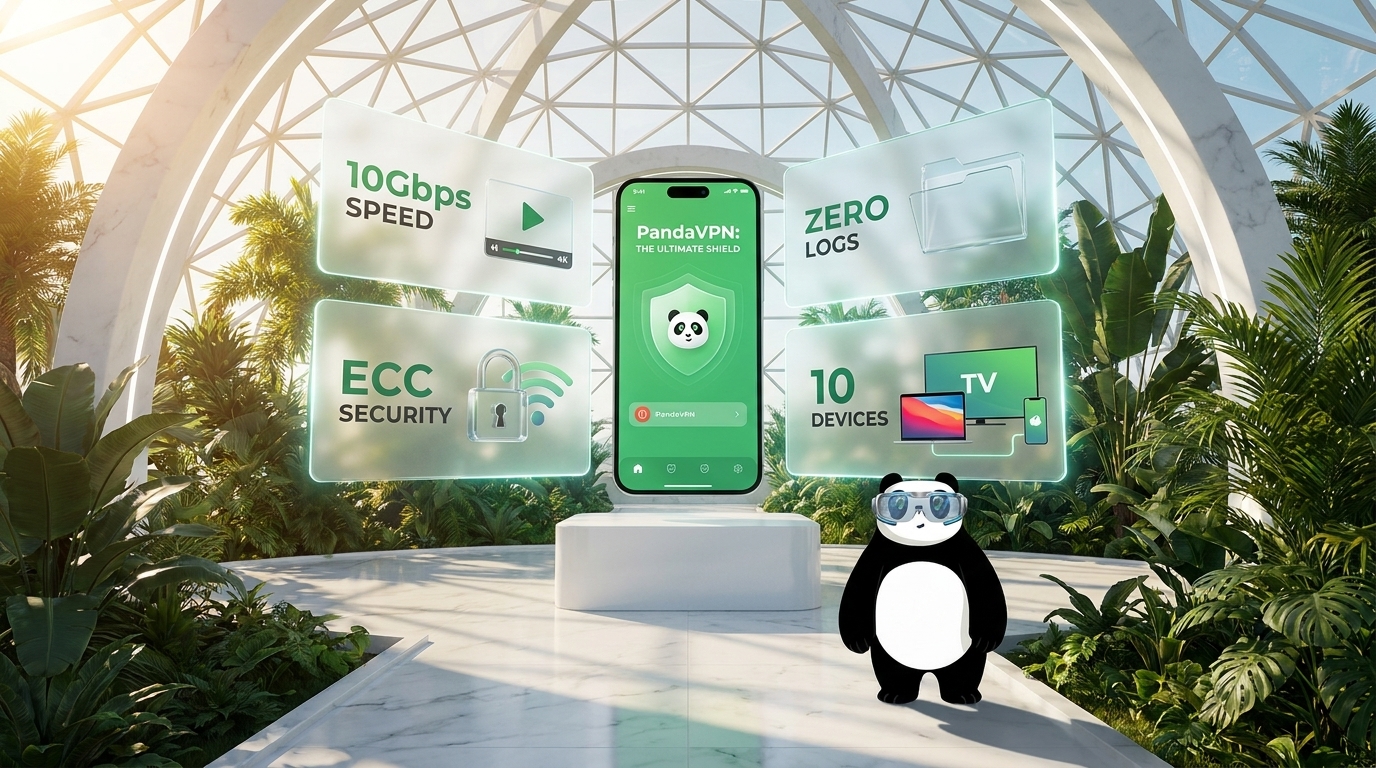
Get PandaVPN today to ensure secure, private, and high-speed network connectivity for all your gaming and browsing needs.
Now get PandaVPN for your smart PCs and mobiles for more private, freer, and faster web access.
More Game-related Posts:
Best VPN for PUBG/PUBG Mobile/PUBG New State
What’re the Benefits of MLBB VPN? Is It Legal & How to Work with It?
How to Change Steam Region for Game Purchase & Play?

A senior tech editor whose focus is diving into everything related to cybersecurity.
Related Posts

Featured Posts