

How to Set Up and Use PandaVPN for iPhone: The Complete Guide
 Sharon
  2026.05.05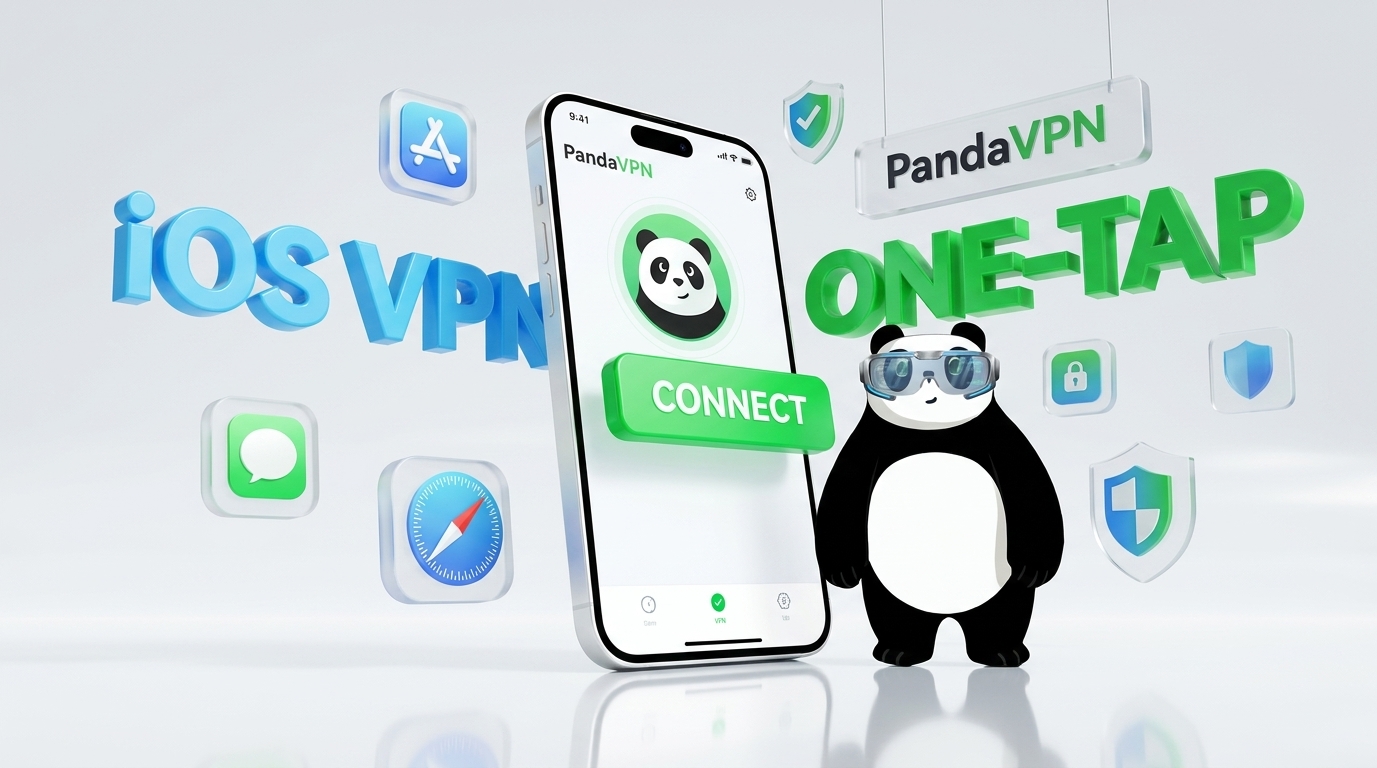
In an era of increasing digital surveillance, geo-blocking, and online tracking, using a VPN on iPhone has become essential—not optional. Whether you want to access region-restricted content, protect your data on public Wi-Fi, or browse anonymously, choosing the right VPN makes all the difference.
PandaVPN is a high-performance VPN built specifically for iOS users, offering fast speeds, strong encryption, and a simple one-tap connection experience.
If you’re searching for how to set up a VPN on iPhone, how to use VPN on iOS, or the best VPN for streaming and privacy, this complete guide covers everything you need.

Why Choose PandaVPN for Your iPhone?
Before setting up your VPN, it’s important to understand what differentiates PandaVPN from other iPhone VPN apps on the market.
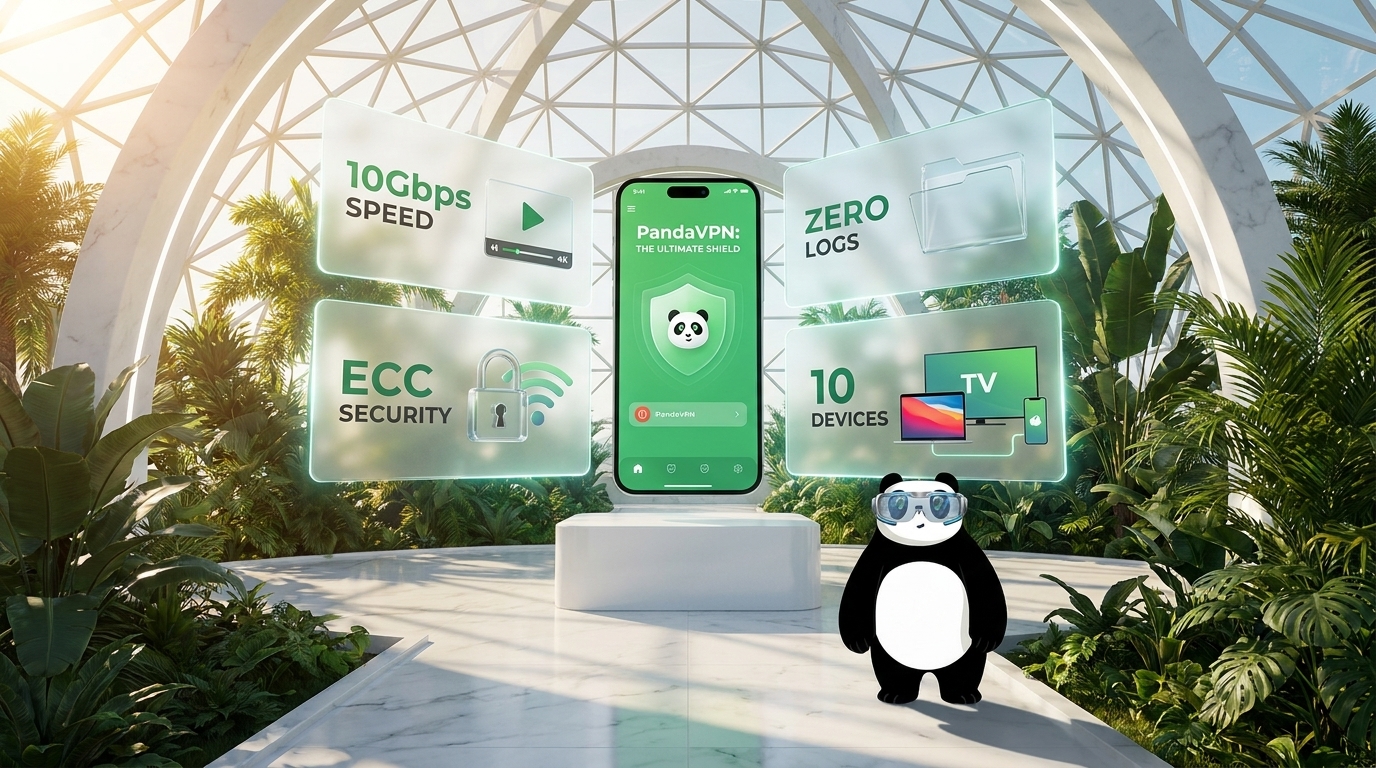
- Next-Generation ECC Encryption (Faster & Stronger): PandaVPN leverages Elliptic Curve Cryptography to deliver high-level security with lower computational load. This means better protection with less battery consumption, a key advantage for mobile users.
- Dedicated IPLC Lines for Stable Global Connections: Unlike traditional VPN routing, IPLC (International Private Leased Circuit) ensures lower latency, reduced packet loss, and more stable cross-border connections, especially useful in restricted regions.
- 6,000+ High-Speed Servers Worldwide: With servers across 100+ countries, users can easily switch regions for streaming, browsing, or accessing localized content.
- Verified No-Logs Policy: Your online activity is not recorded, stored, or shared—making PandaVPN a strong option for users focused on privacy and anonymity.
Step-by-Step Setup Guide
If you’re wondering how to install and use a VPN on iPhone, follow this simple setup process.
1. Download and Install
Visit the App Store or the official PandaVPN website to download the iOS app. Install it and launch the app on your device.
2. Create an Account or Sign In
Sign up within seconds using your email, or log in if you already have an account.
Pro Tip: Many users search for cheap VPN for iPhone—PandaVPN frequently offers deals like “12 Months + 12 Months Free”, making it one of the most cost-effective long-term VPN options.
3. Grant VPN Permissions
When connecting for the first time, iOS will prompt:
“PandaVPN would like to add VPN configurations.”
- Tap Allow
- Confirm via Face ID, Touch ID, or passcode
This step enables the VPN to securely route your internet traffic.
4. Smart Connect (Fastest Server Selection)
Tap the “Smart Connect” button to automatically connect to the fastest and most stable server available.
This feature is ideal for users who want a one-click VPN for iPhone without manual setup.
Advanced Usage Tips
Once connected, you can optimize your experience depending on your specific needs.
| Feature | Best For |
|---|---|
| Streaming-Optimized Nodes | Unblocking Netflix, Disney+, Hulu, HBO Max with minimal buffering |
| Gaming Acceleration | Improving latency in mobile games like PUBG Mobile and Roblox |
| High-Bandwidth Servers (10Gbps) | Faster downloads, HD streaming, and stable connections |
| Multi-Device Support | Using one account across iPhone, iPad, and Mac |
These features position PandaVPN as more than just a VPN—it becomes a performance enhancement tool for mobile internet usage.
Staying Secure on the Go
One of the most common reasons users search for “VPN for iPhone” is public Wi-Fi security.
Unsecured networks in airports, hotels, and cafes expose your data to risks such as:
- Data interception
- Password theft
- Session hijacking
By enabling PandaVPN, your connection is encrypted through a secure tunnel, ensuring:
- Safe browsing on public networks
- Protection for financial transactions
- Anonymous online activity
Using a VPN is one of the most effective ways to protect your iPhone from cyber threats.
Conclusion
Setting up PandaVPN on your iPhone is quick, simple, and highly effective. In just a few taps, you gain access to a faster, safer, and unrestricted internet experience.
Whether your goal is to stream global content, secure your personal data, or bypass geo-restrictions, PandaVPN provides a reliable and optimized solution for iOS users.
If you’re comparing options for the best iPhone VPN in 2026, PandaVPN stands out with its speed, security, and ease of use.
👉 Get PandaVPN for iPhone Today and unlock the full potential of your internet connection.

Related Posts


Featured Posts